Adding your GMX account to BlueMail
To get started tap More (o o o) | Various Account Settings | Add Account
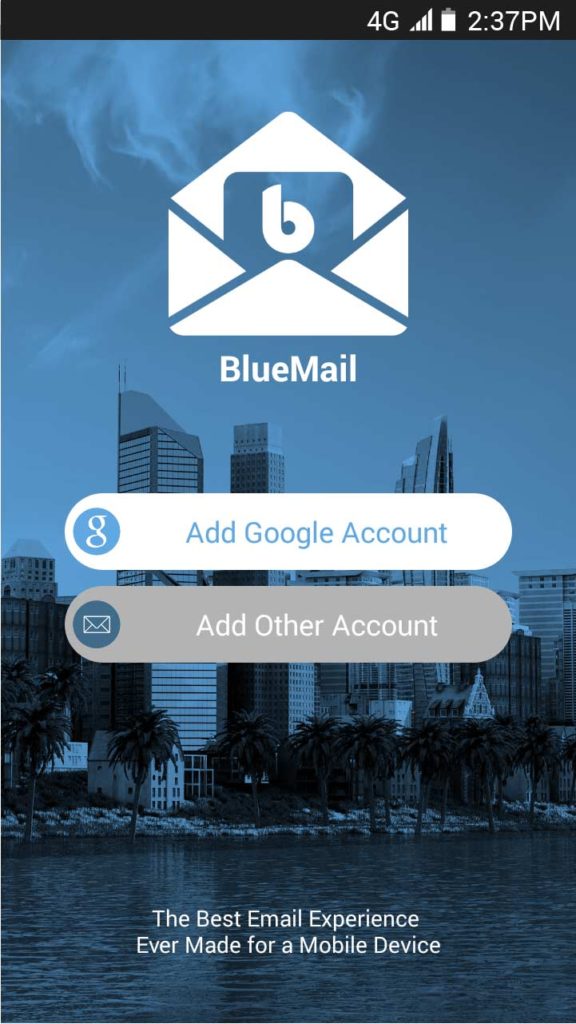
Tap Add Other Account
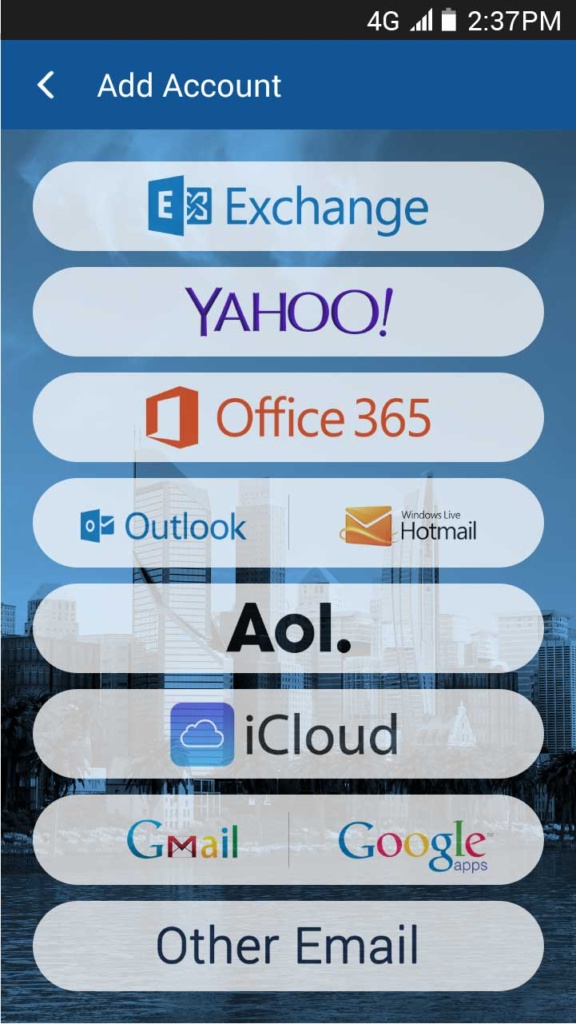
Tap Other Email
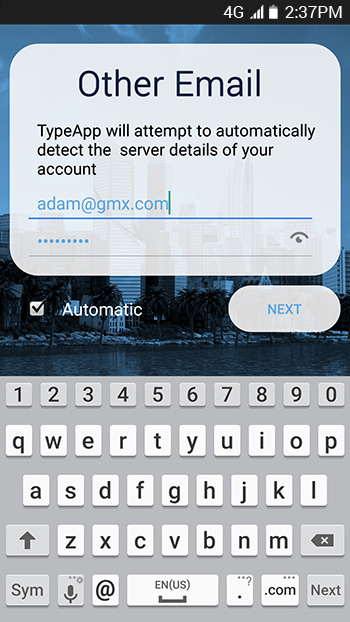
From here you simply enter your GMX Account information
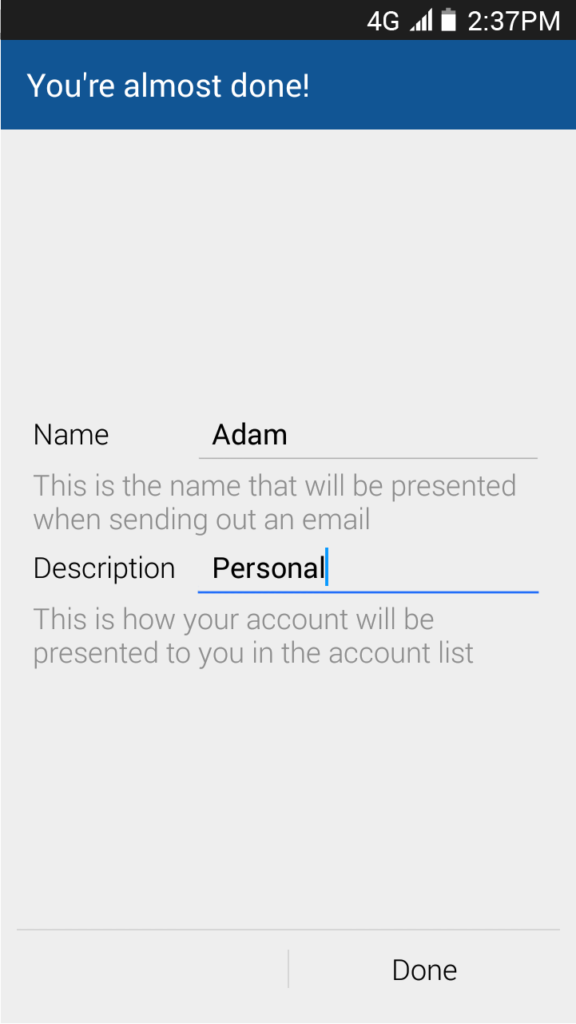
Lastly, after you have entered your GMX account information, choose a Name which is presented when sending an email, and a Description which will help you identify your account in BlueMail